Welcome back! If you’re returning to Fly Anglers Online after the site update, here’s how to get logged in.
Find the Log In Button
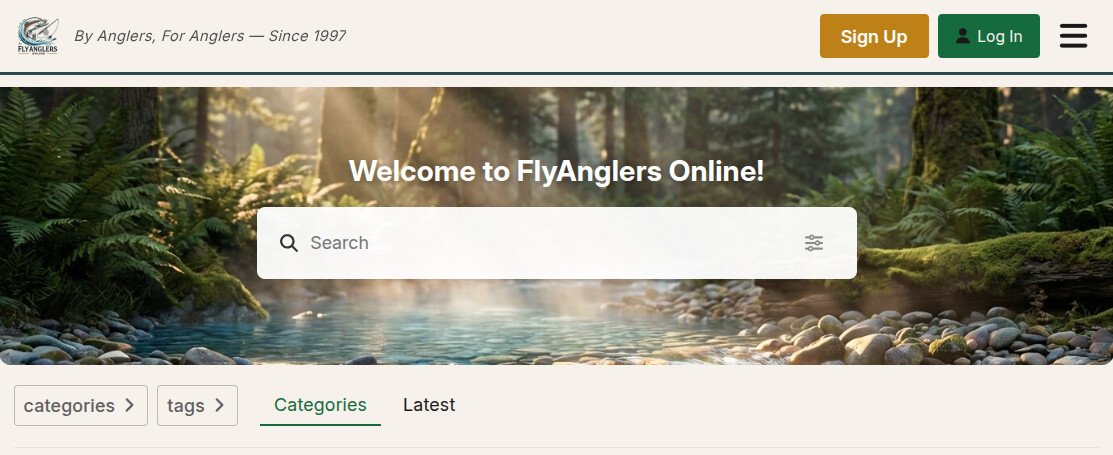
Look in the top-right corner of the page. You’ll see two buttons — Sign Up and Log In. Click Log In.
Enter Your Username and Password
A login window will appear. Enter your username (or email address) and your password, then click the green Log In button.

You can also sign in with your Google account if you prefer — just click “Sign in with Google” on the right side.
Forgot Your Password?
No problem. Click “I forgot my password” on the login screen. Enter your email address and we’ll send you a link to reset it. Check your spam folder if you don’t see it within a few minutes.
Can’t Find Your Account?
If you were a member of the old FAOL site, your account has been migrated. Try logging in with:
- Your old username (the one you used on the bulletin board)
- Your email address that was associated with your old account
If neither works, use the “Sign Up” button to create a new account, or reply to this topic and we’ll help you find it.
Once you’re in, consider setting up your profile so other members can get to know you.
— Rusty McFins